 nicemd
The app for .md files on your Mac
Markdown,
made nice.
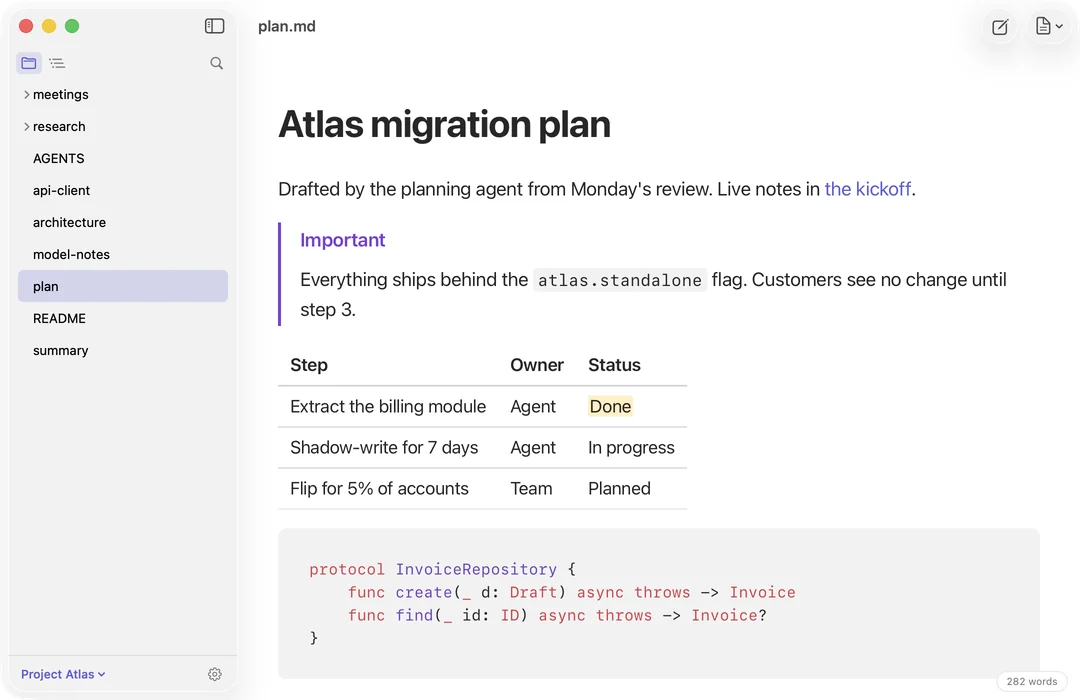
Markdown files, opened like documents. Press Space to read one, edit it like a doc, and it stays the plain file your AI reads.
Download on the Mac App StoreFree to read. Try editing free for 14 days. No account.
Free · In Finder
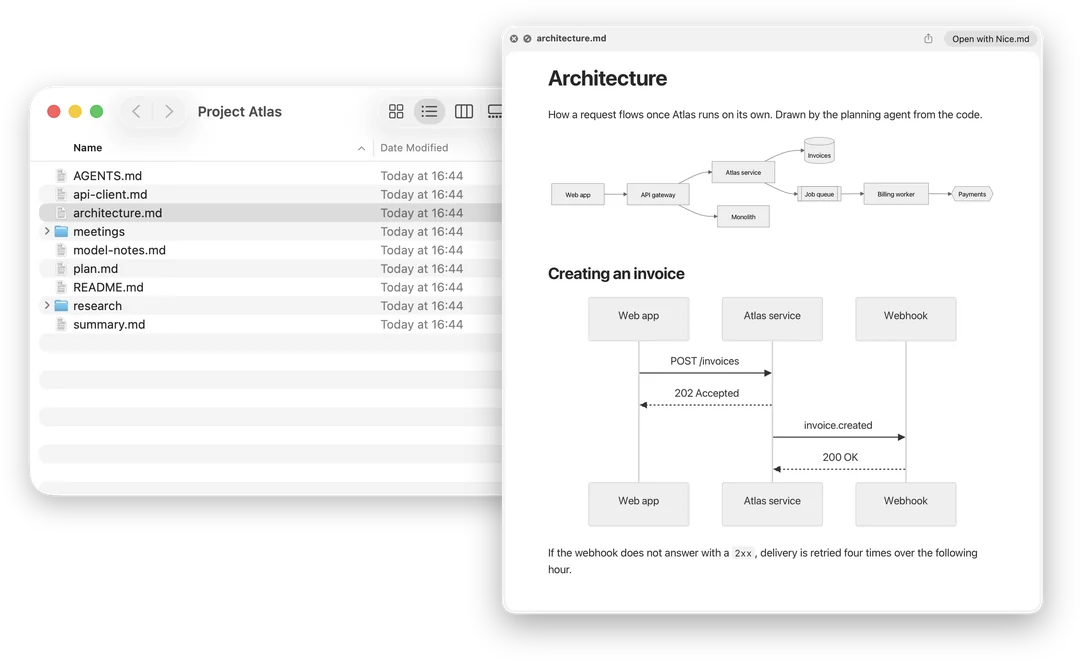
Press Space. Read the page.
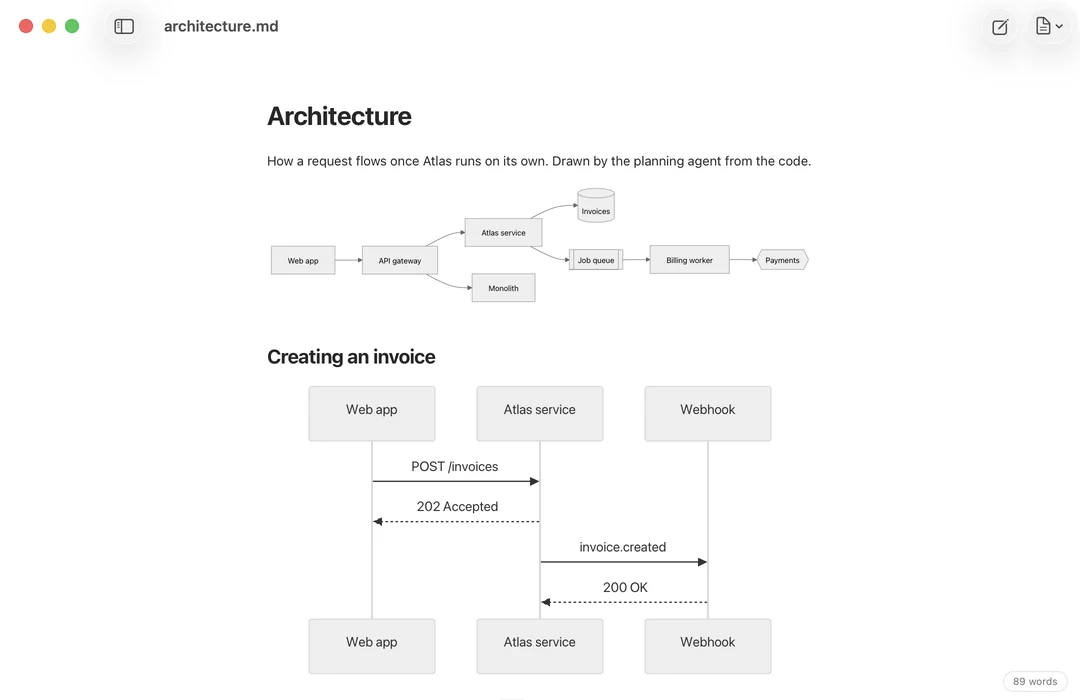
Select any .md file in Finder and press Space. Quick Look shows it rendered, diagrams and tables included, instead of a wall of # and ** marks.
Free · Rendered on your Mac
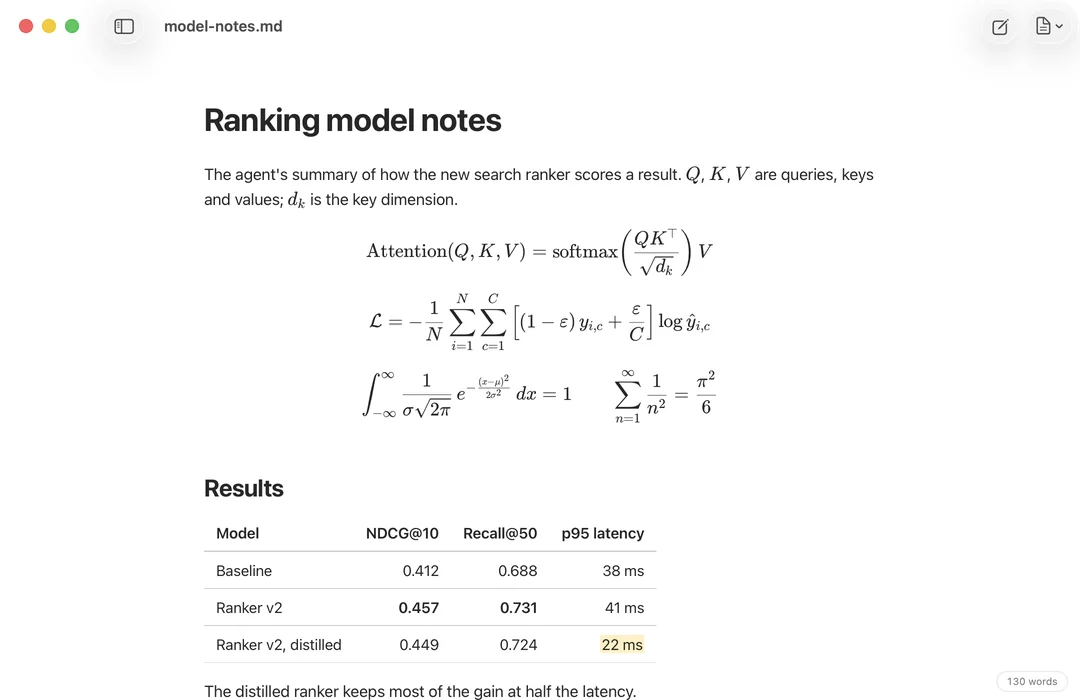
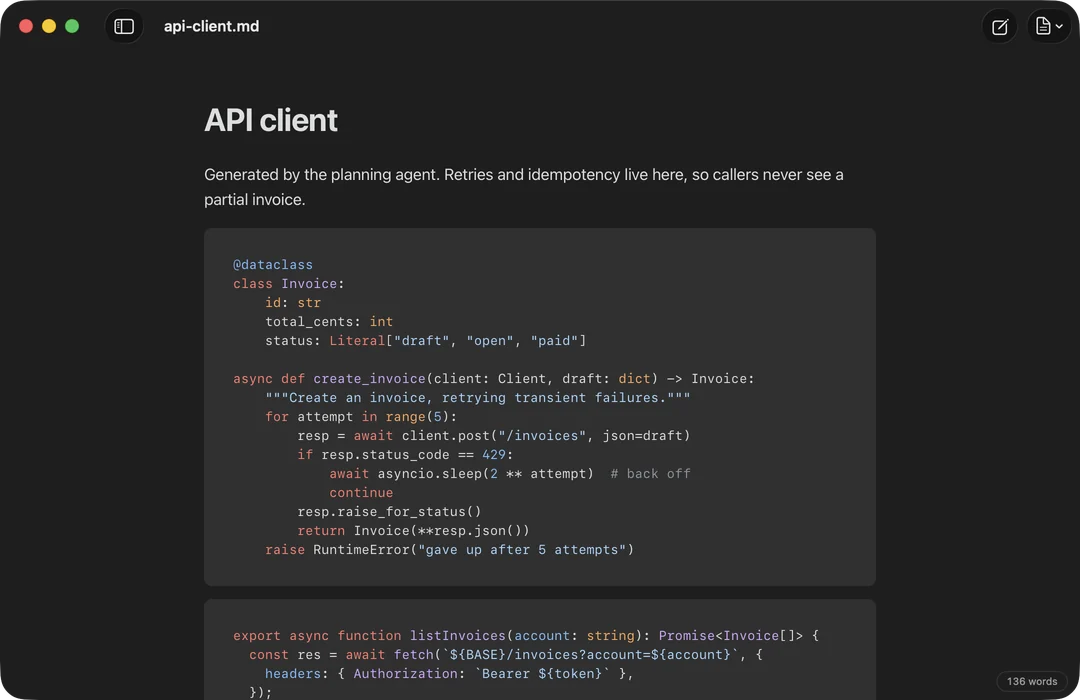
Math, code and diagrams, rendered.
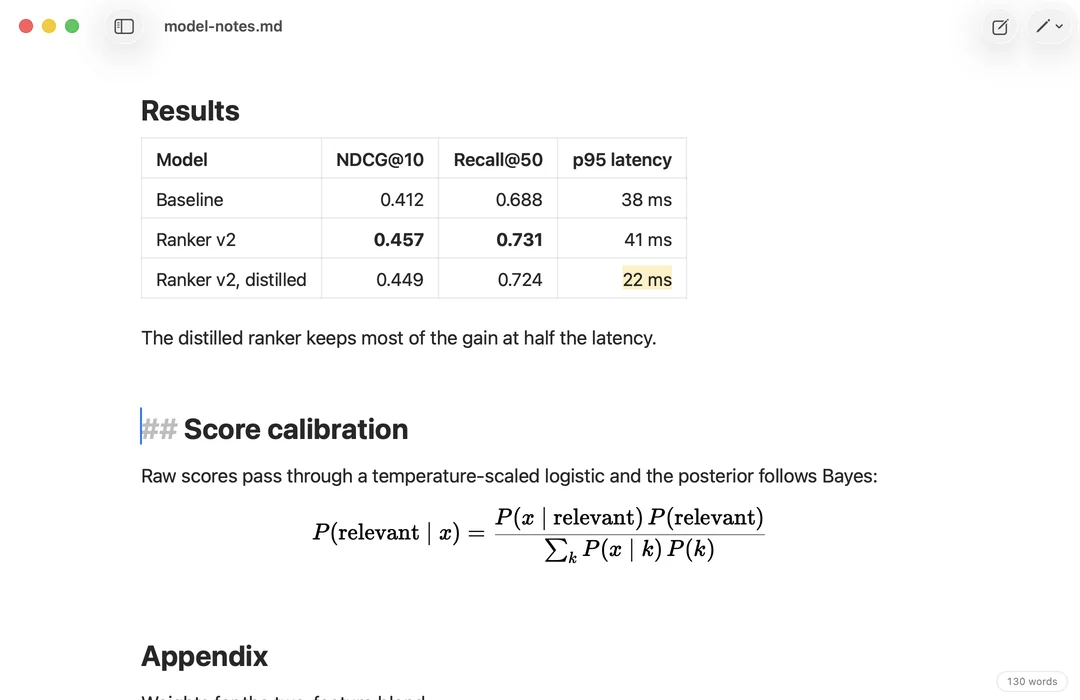
Tables, task lists, footnotes and callouts. LaTeX math, highlighted code and Mermaid diagrams. All of it rendered offline, with nothing to install.
Free for 14 days, then $4.99 once
Edit it like a doc. It stays Markdown.
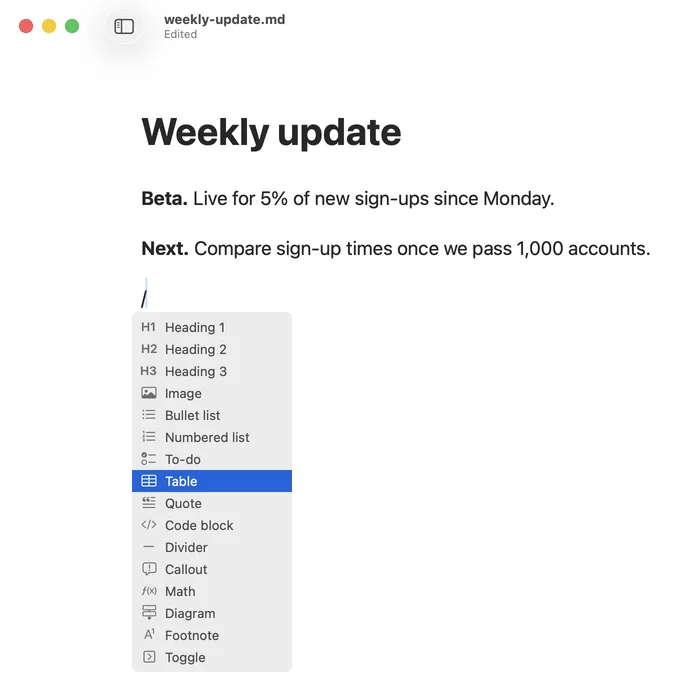
The Markdown marks fade until your cursor reaches them. Type / for a table, a diagram, a callout or math. Tables edit as a grid.
Only what you type changes. The rest of the file stays exactly as it was, so your AI reads your edits next time.
Free · Folders
Open the whole folder.
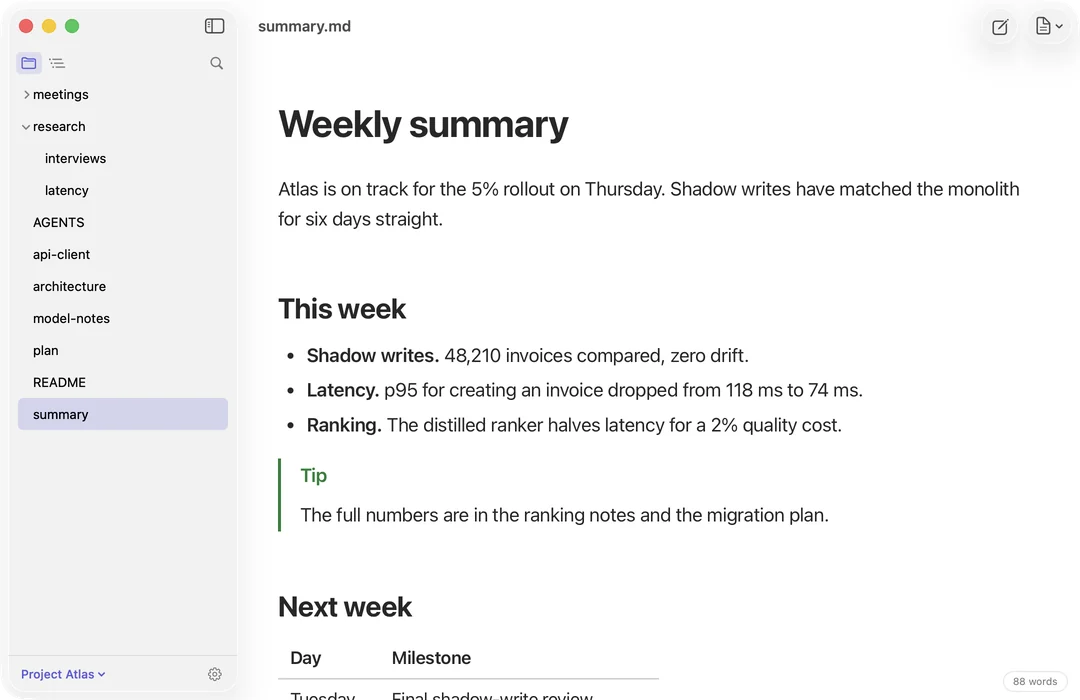
Press ⇧⌘O, or drop a folder on nicemd, and every note sits in one sidebar. Click to read, ⌘-click for a new tab.
Leave a file open while an agent rewrites it. The page keeps up on its own.
Free · Themes
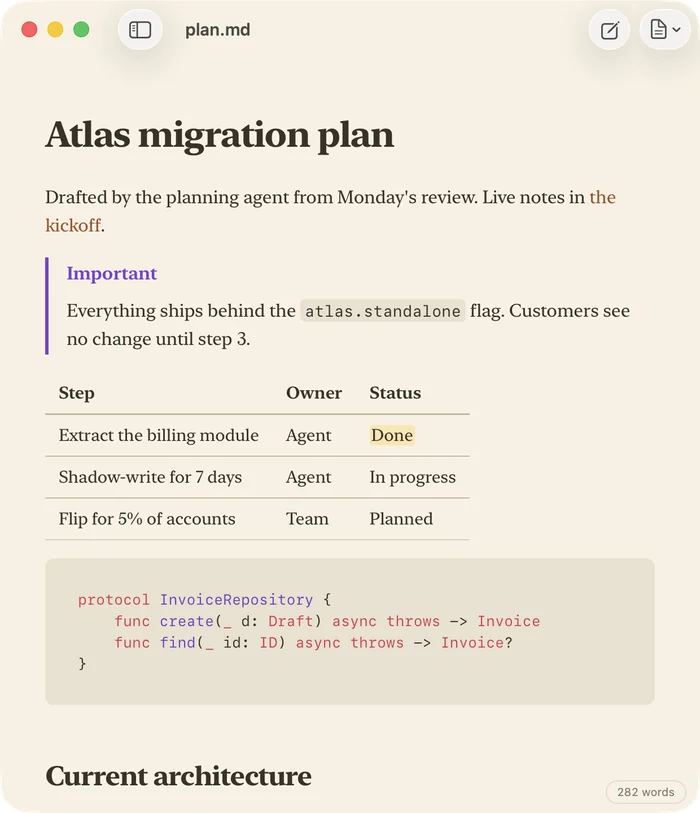
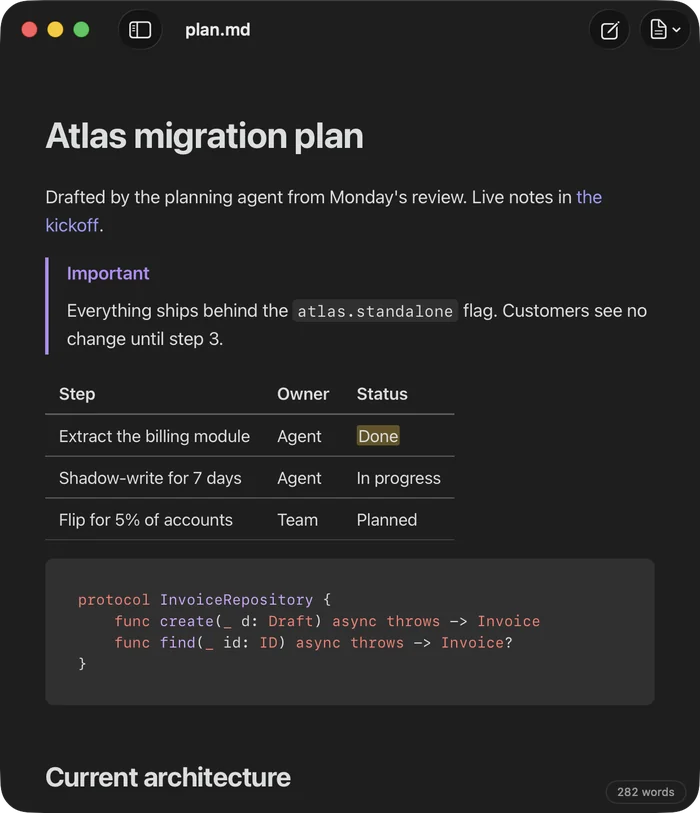
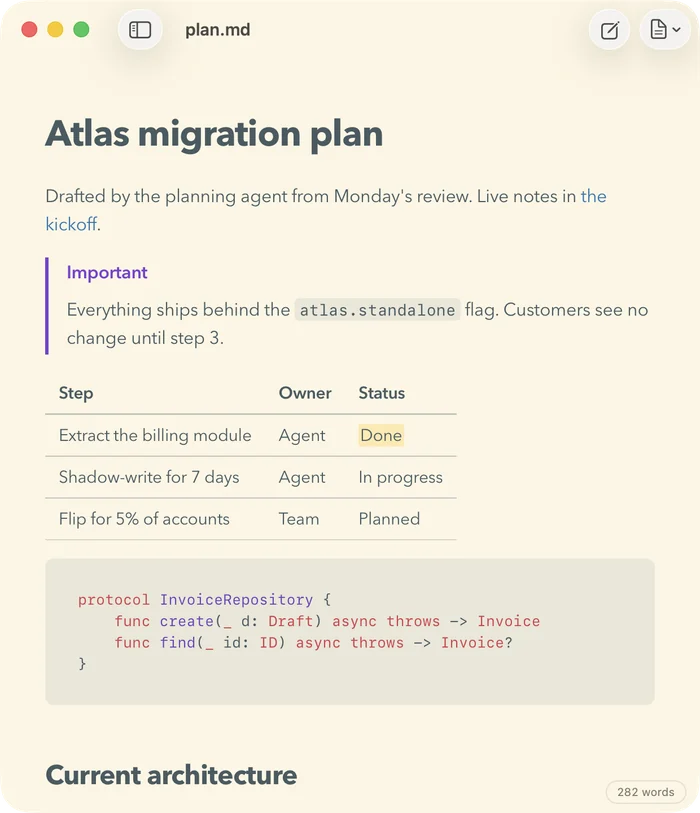
Make it yours.
Six themes, including Night, and four fonts.
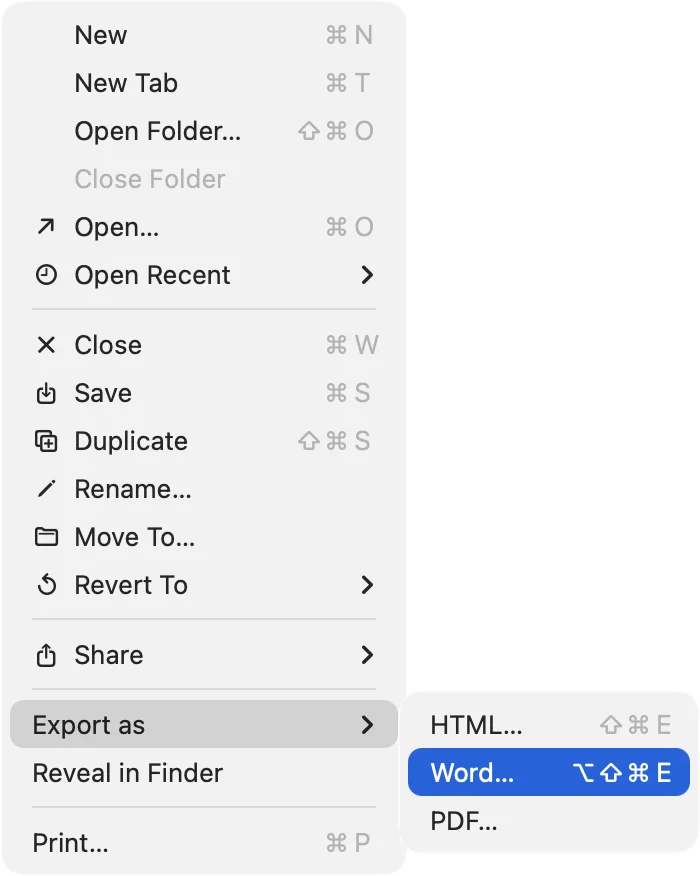
Word, HTML and PDF
Send it on.
For people who don't use Markdown. Print and Save as PDF are free; Word and HTML export are part of the unlock.
Native to the Mac.
Local by design.
Nothing to manage.
A small app, bought once
Your files.
Your focus.
$4.99
Reading, Quick Look, folders, themes, Save as PDF and Copy as HTML are free. The editor, the / menu, split view and export to HTML and Word are a one-time unlock, free to try for 14 days. No subscription.
Download on the Mac App Store